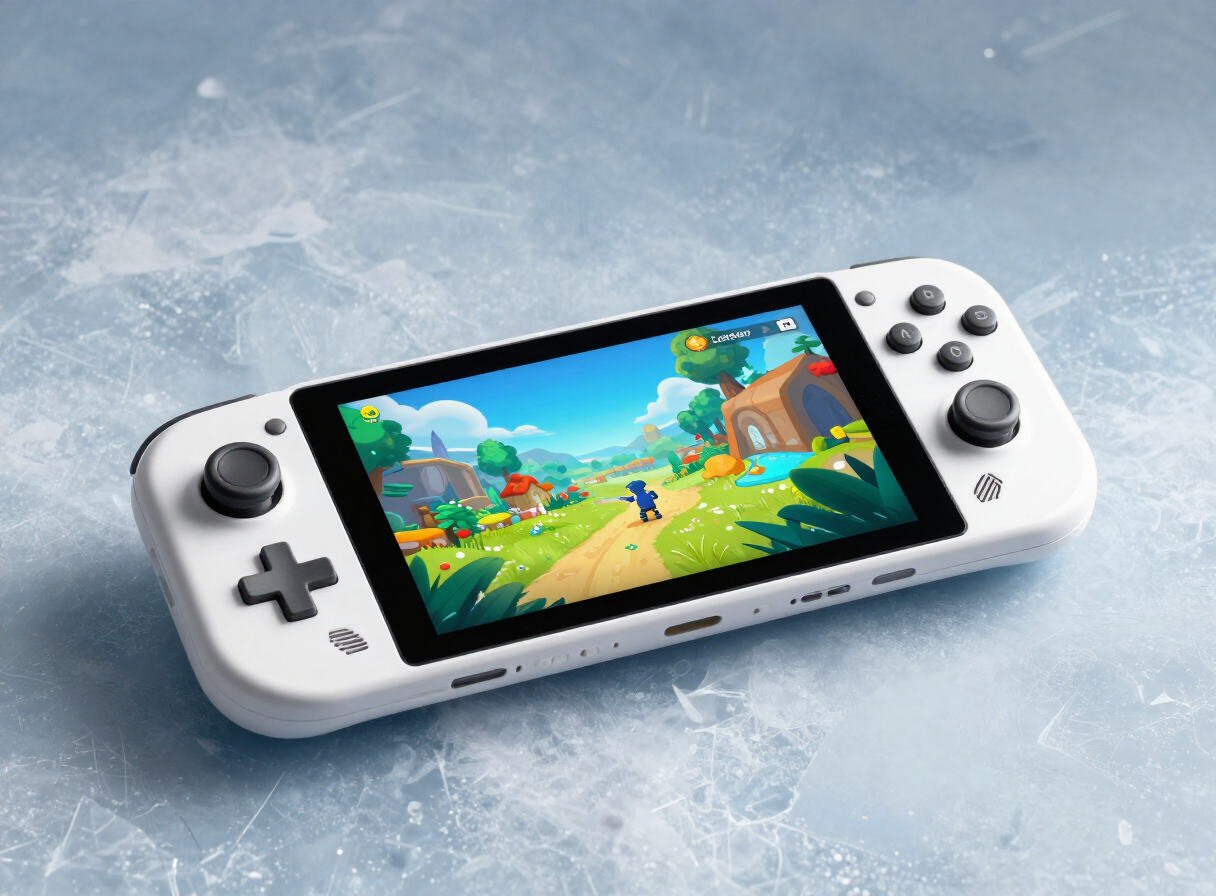
A thoughtfully balanced handheld for an existing Steam library. Compatibility and portability matter more here than maximum graphics settings.
What works
Vibrant OLED display
Flexible Steam library access
Improved battery versus LCD model
Worth considering
Some multiplayer games are incompatible
Large compared with smaller handhelds
Demanding games need adjusted settings
A better window into your library
The Steam Deck OLED improves the original handheld’s most visible element: its display. The 7.4-inch OLED panel brings deeper blacks, HDR support and a 90Hz refresh rate. This is a refinement of the Deck concept rather than a dramatic performance leap.
Compatibility comes first
SteamOS makes supported games straightforward to launch, but not every PC title runs without work. Some anti-cheat systems do not support the platform. Check the current Steam Deck compatibility status for your most-played games, particularly competitive multiplayer titles.
Battery and performance expectations
Battery life depends heavily on the game, brightness and frame-rate limit. Lighter indie games can last substantially longer than demanding modern releases. Lowering resolution, adjusting settings and setting a frame-rate cap are part of the handheld PC experience.
Is it the right handheld for you?
If you already own a substantial Steam library and want to play away from a desk, the OLED model is compelling. A Windows handheld may suit games requiring Windows-specific launchers. A traditional console can be simpler for players who do not want to adjust performance settings.
This launch review is an editorial overview based on published product specifications, not a claim of hands-on laboratory testing. Specifications can vary by region and configuration. Verify current manufacturer information before purchasing.
What do you think?
Already using this device? Help another tech enthusiast make a better choice.
Join the buying advice forum